AMC vs Managed Services vs Break-Fix: Which IT Support Model Fits Your Business?
Most companies don’t choose an IT support model on purpose. Someone calls a technician when the file server stops responding, calls again when Outlook won’t sync, and one day the finance manager adds up a year of invoices. That is usually when the AMC vs managed services question reaches the management table.
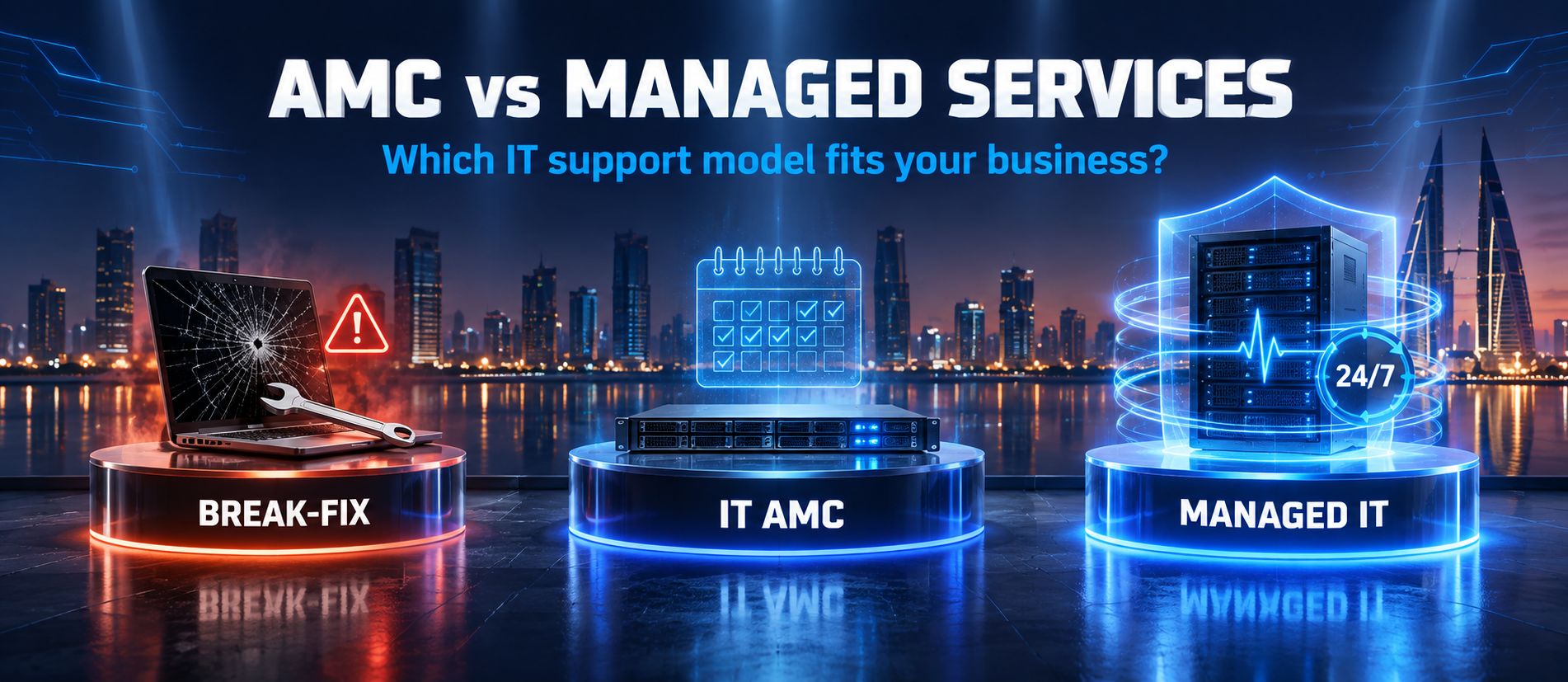
In Bahrain, businesses typically choose between three arrangements: break-fix support, an IT Annual Maintenance Contract (AMC), and managed IT services. Each solves a different problem. None of them is right for every company, and a provider who says otherwise is usually describing the model they prefer to sell.
This guide puts the three IT support models side by side. It covers what an AMC realistically includes, where managed IT services go further, how pricing is structured, and the signs that a business has outgrown break-fix. The goal is to help you judge which IT support model fits your operation, risk and budget.
What Are the Three Main IT Support Models?
The three models differ on two points: when the provider gets involved, and how much of your environment they are responsible for.
Break-Fix IT Support
Break-fix is reactive IT support. Nothing happens until something fails. You call a provider, they diagnose and repair the issue, and you pay for the time, parts and sometimes a call-out fee. There is no ongoing commitment on either side.
IT AMC
An IT AMC, or Annual Maintenance Contract, is a yearly IT maintenance contract in which a provider looks after a defined list of IT assets. It usually combines scheduled preventive maintenance with troubleshooting when problems occur. The fee is fixed for the contract term, and what is covered depends entirely on the contract wording.
Managed IT Services
With managed IT services, the provider takes ongoing responsibility for operating, monitoring and maintaining agreed parts of your IT environment, usually for a recurring monthly fee and against an IT support SLA. The emphasis shifts from repairing faults to preventing them.
AMC vs Managed Services: What’s the Difference?
An IT AMC covers scheduled maintenance and troubleshooting for a defined list of IT assets for a fixed annual fee. Managed IT services go further: the provider continuously monitors and manages your network, servers, endpoints, security and cloud systems under an SLA, aiming to prevent problems rather than repair them after they occur.
In practice, the line is not always clean. Some Bahrain providers bundle remote monitoring into their AMC packages, and some offerings sold as “managed services” are little more than a help desk with a monthly invoice. The table below shows how the two models typically compare, but the contract you sign is what actually defines your coverage.
Comparison Table: IT AMC vs Managed IT Services
| Factor | IT AMC | Managed IT Services |
| Support approach | Scheduled maintenance plus troubleshooting for listed assets | Ongoing responsibility for operating and managing defined IT services |
| Proactive maintenance | Preventive visits at agreed intervals (for example, monthly or quarterly) | Continuous, often automated patching, updates and health checks |
| Monitoring | Usually limited or not included unless specified in the contract | Typically included for servers, network devices and endpoints, as scoped |
| Response | Defined in the contract, often business hours only | SLA-based response and resolution targets, with priority levels |
| Scope | Named hardware and devices; network and servers where listed | Wider environment: users, devices, network, servers, cloud and security, as scoped |
| Pricing structure | Fixed annual fee, often based on asset count and type | Recurring monthly fee, often per user, per device or by tier |
| Predictability | High for covered items; exclusions billed separately | High, with fewer out-of-scope charges when scope is broad |
| Cybersecurity | Basic checks and updates, if included | Endpoint protection, patching and security monitoring; depth varies by provider |
| Cloud support | Often limited or excluded | Commonly includes Microsoft 365 and cloud administration |
| Network management | Maintenance and troubleshooting during visits or on request | Ongoing monitoring, configuration and firewall management |
| Reporting | Service visit and maintenance reports | Regular reports on performance, tickets, security and recommendations |
| Scalability | Usually amended at renewal when assets change | Adjusts as users and devices change, per contract terms |
| Best suited for | Stable, smaller environments that need reliable upkeep | Growing or IT-dependent businesses that need continuous oversight |
Typical characteristics only. Actual coverage depends on each provider’s contract and service schedule.
Break-Fix vs AMC vs Managed IT Services
Adding break-fix to the picture makes the trade-offs easier to see. This IT support model comparison summarises how each option works in day-to-day operation, with all three IT support models compared on the points that matter most to SMEs.
Comparison Table: Break-Fix vs IT AMC vs Managed IT Services
| Aspect | Break-Fix | IT AMC | Managed IT Services |
| How the model works | Pay per incident when something breaks | Annual contract for maintenance and support of listed assets | Ongoing monitoring and management under a recurring agreement |
| Typical business use case | Micro-office, or company with in-house IT | Small to mid-sized business with stable IT | Growing, multi-site or IT-dependent business |
| Main advantage | No fixed commitment | Scheduled upkeep at a fixed annual cost | Issues detected and handled early |
| Main limitation | Unpredictable costs and longer downtime | Gaps between visits; scope limited by contract | Higher recurring fee; value depends on scope |
| Support style | Reactive | Preventive and reactive | Proactive and continuous |
| Cost predictability | Low | High for covered items | High across a broader scope |
| Preventive maintenance | None unless requested | Scheduled, as per contract | Ongoing, often automated |
| Monitoring | None | Limited or optional | Typically included |
| Best suited business type | Very small, low-risk setups | Stable SMEs needing maintenance | SMEs and corporates where IT is business-critical |
What Is Break-Fix IT Support?

Break-fix is the simplest arrangement, and many small businesses start here without deciding to. A laptop won’t boot, you call a technician, and you pay for the visit, labour and parts. There is no contract and no recurring fee.
Advantages of Break-Fix Support
- No fixed monthly or annual commitment.
- You pay only when support is actually needed.
- Simple to arrange for one-off problems or small projects.
- Can work well for very small offices with stable, low-risk IT.
Limitations, Unexpected Costs and Downtime
The weakness of break-fix is structural. The provider earns money when things break, so there is no built-in incentive to prevent failures. This is the core of the break-fix vs managed IT debate: one model is paid to fix, the other is paid to keep things running.
Costs are hard to forecast. A quiet quarter can be followed by a server failure, a malware clean-up and an emergency network rebuild in the same month. Response is also first-come, first-served: without a contract, your emergency may wait behind the provider’s contracted clients.
The larger cost is often IT downtime rather than the invoice. If fifteen staff cannot reach the accounting system for a day, the lost productivity usually outweighs the repair bill.
When Break-Fix Can Still Make Sense
Break-fix is reasonable for micro-businesses with few devices, companies with capable in-house IT staff who only need occasional specialist help, and one-off jobs such as an office move or a hardware installation. In these cases, a contract may cost more than the support you would actually use.
What Does an IT AMC Provide?
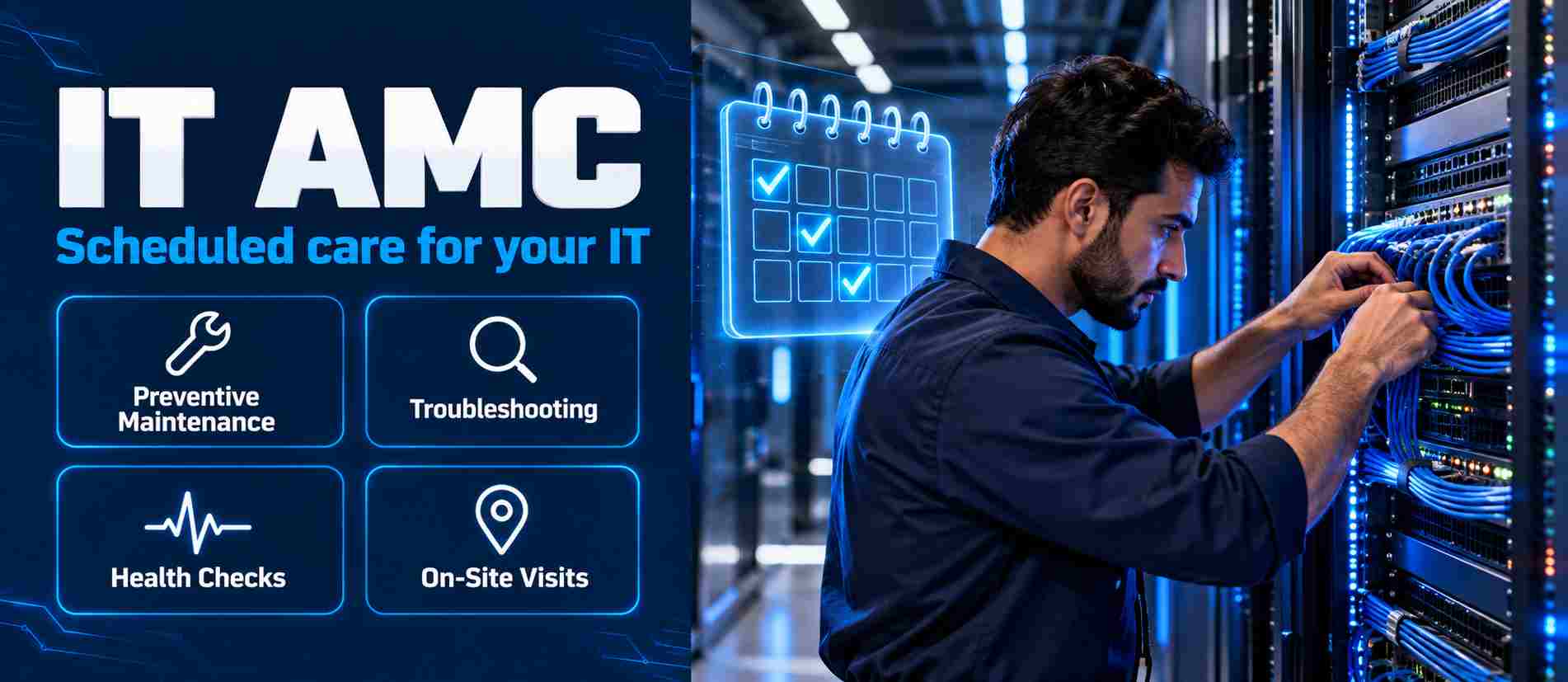
An IT AMC gives a business scheduled maintenance and agreed support for a fixed annual fee. It sits between break-fix and full managed services: more structured than calling for help when something fails, but usually narrower than continuous management.
One point matters more than any list of features: actual AMC coverage depends on the contract. There is no standard AMC, and two quotes with the same title can cover very different things. Depending on the agreement, an IT AMC may include:
- Annual and preventive maintenance: scheduled cleaning, updates, inspections and servicing of covered equipment.
- Troubleshooting: diagnosis and repair of faults on covered assets, often with defined response times.
- Hardware maintenance: servicing of desktops, laptops, printers and peripherals, where hardware is included.
- Network support: maintenance of switches, routers, firewalls and Wi-Fi, where listed in scope.
- Server support: checks on server health, storage and operating system updates, where servers are covered.
- Remote support: help by phone or remote session for everyday user issues.
- On-site support: technician visits, scheduled or on request, where included.
- IT health checks: periodic reviews that flag ageing hardware, capacity issues or security gaps.
Common exclusions include replacement parts, software licences, new installations, data recovery and after-hours work. Always ask for the exclusions list, not just the inclusions.
What Are Managed IT Services?
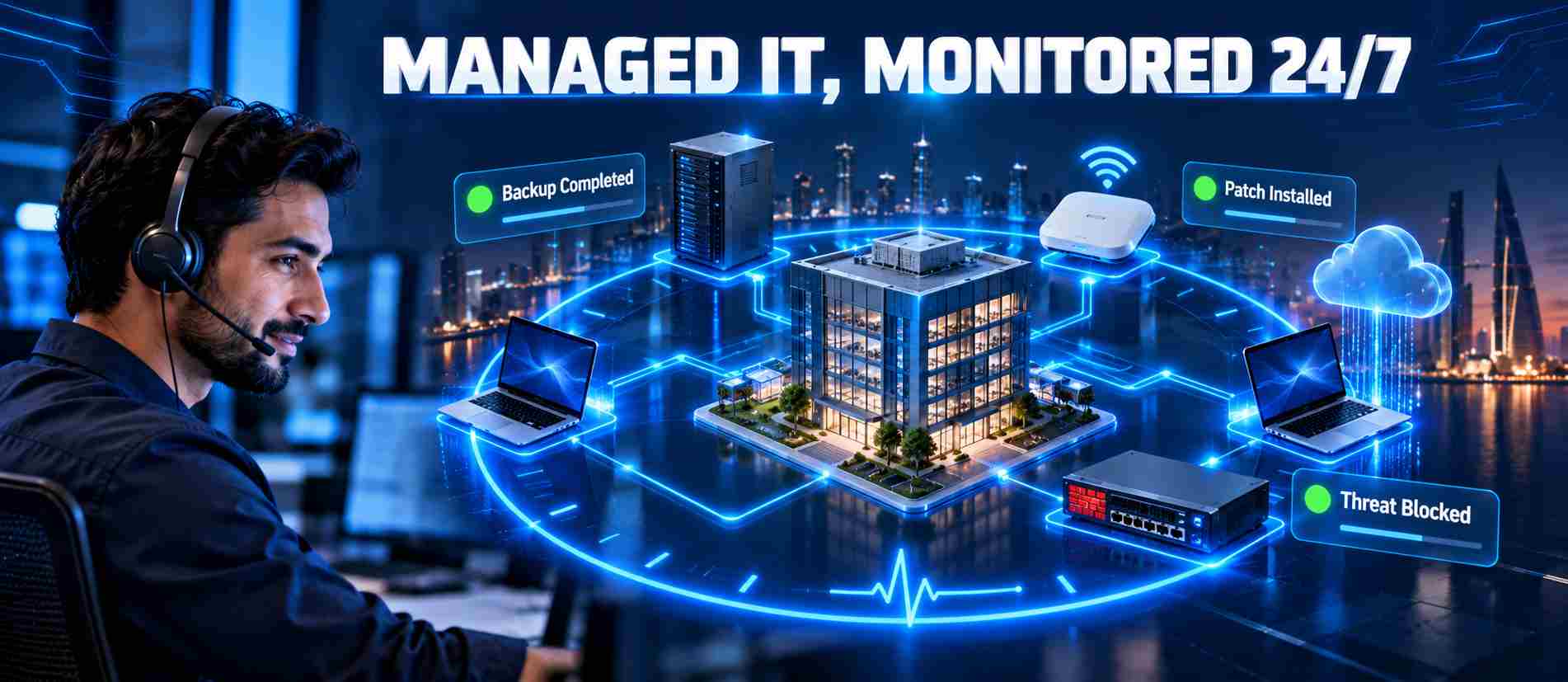
Managed IT services treat IT as an ongoing operation rather than a set of assets to maintain. The provider monitors your systems continuously, resolves many issues before users notice them, and handles IT infrastructure management against agreed service levels. A typical agreement can include:
- Continuous IT monitoring of servers, network devices and endpoints, with automated alerts.
- Help desk support for users, with defined response and resolution targets.
- Network and server management, including configuration, patching and capacity planning.
- Endpoint management for laptops and desktops, including updates and security policies.
- Security management, such as endpoint protection, firewall management and vulnerability patching.
- Cloud management for Microsoft 365 and other cloud platforms.
- Backup monitoring that confirms backups complete and can actually be restored.
- Preventive maintenance and reporting on performance, tickets, security status and recommendations.
Managed services can cover a broader, more continuously managed environment than a traditional AMC, but that depends on the provider and the agreement. The US Cybersecurity and Infrastructure Security Agency (CISA) advises organizations that outsource IT to set out the provider’s responsibilities, the customer’s responsibilities and any shared responsibilities in the agreement itself.
AMC vs Managed Services: Which One Gives More Proactive Support?

“Proactive” is used loosely in IT sales. It helps to separate the levels of support:
- Reactive support: the provider acts after a fault is reported. This is break-fix, and also the troubleshooting part of an AMC.
- Preventive support: scheduled work such as quarterly servicing or monthly updates. This is the core of most AMCs.
- Proactive management: oversight between visits that acts before users are affected.
- Monitoring: software that watches disk health, backups, security events and uptime.
- Automation: patches, alerts and routine fixes applied without waiting for a technician.
- Continuous improvement: reviews that use monitoring data to plan upgrades and capacity.
So, does an AMC provide proactive support? Most AMCs are preventive: they reduce risk on a schedule. Managed services are designed to be proactive in the time between those scheduled moments.
A Practical SME Example
Consider a 30-person engineering consultancy in Manama with one file server and a nightly backup to an external drive.
Under an AMC with quarterly visits, a failing server disk may be caught if the visit happens to fall at the right time. If the backup job has been failing silently for three weeks, that may only surface at the next health check, or when someone urgently needs to restore a file.
Under a managed services agreement with monitoring, the disk’s warning signs would typically raise an alert, and the failed backup would appear in the next morning’s report. The fix happens before anyone loses work, which is what business continuity looks like in practice.
Neither model makes failures impossible. In the AMC vs managed services comparison, the real difference is how early you find out.
When Should a Business Move Away From Break-Fix Support?
Knowing when to switch from break-fix is mostly about recognizing patterns. Watch for these signs:
- Frequent IT problems: the same types of fault keep coming back.
- Recurring downtime: staff regularly lose hours to slow systems, outages or connectivity issues.
- A growing number of employees: more users means more devices, accounts and support requests.
- Multiple locations: branches need consistent networks, security and remote support.
- Increasing cybersecurity risk: phishing, ransomware and client security requirements are hard to handle reactively.
- Cloud adoption: Microsoft 365, cloud accounting and SaaS tools need ongoing administration.
- Dependence on critical systems: ERP, POS or client databases the business cannot operate without.
- No internal IT staff: nobody owns updates, backups and security day to day.
- Unpredictable support costs: IT spending swings sharply from month to month.
- Repeated emergency repairs: you keep paying urgent rates for the same kinds of problem.
If three or more of these apply, break-fix is probably costing more than it appears to, in both invoices and lost time.
When Does an IT AMC Make Sense?
An IT AMC is a practical middle ground for many Bahrain SMEs. It tends to suit:
- Small businesses with a modest, predictable number of devices.
- Stable IT environments where systems don’t change often.
- Businesses that need scheduled maintenance to keep equipment reliable.
- Companies that mainly need maintenance and troubleshooting rather than full IT management.
- Organization’s that don’t require continuous monitoring because short outages carry limited business impact.
The limitation is the gap between visits. A traditional AMC may not catch problems as they develop, may exclude cloud and security work, and usually needs amending when you add users or sites.
When Do Managed IT Services Make More Sense?
Managed IT services usually fit businesses where IT problems turn directly into lost revenue, compliance exposure or unhappy clients. They tend to suit:
- Growing SMEs adding staff, devices and applications through the year.
- Businesses with multiple branches across Bahrain or the wider GCC.
- Cloud-heavy businesses relying on Microsoft 365 and SaaS platforms.
- Businesses requiring continuous monitoring of servers, networks or backups.
- Organizations with cybersecurity requirements from clients, insurers or regulators.
- Businesses without a dedicated IT team that need someone accountable for IT operations.
- Businesses with business-critical infrastructure where downtime is expensive.
Managed services are not automatically the better choice. A small, stable office may pay for capabilities it never uses. The useful question is whether the added oversight matches the risk you carry.
How Much Does Each IT Support Model Cost?
Reliable published pricing for IT support in Bahrain is limited, and quotes vary widely with scope, so this guide does not list fixed figures. What can be compared is how each IT support pricing model works:
- Break-fix: you pay when support is required, usually per hour or per visit, plus parts.
- IT AMC: a contract-based annual fee, often calculated on the number and type of covered assets.
- Managed IT services: a recurring monthly fee, commonly priced per user, per device or by service tier.
Whichever model you consider, these factors drive the price you are quoted:
- Users and devices supported.
- Locations: each branch adds equipment and site visits.
- Servers and network infrastructure: on-premise servers, firewalls, switches and Wi-Fi.
- Cloud environment: Microsoft 365, cloud servers and SaaS tools.
- Cybersecurity requirements: endpoint protection, email security and security monitoring.
- Support hours and SLA: business hours or 24/7, and committed response times.
- On-site and monitoring requirements: guaranteed visits and continuous monitoring.
When comparing quotes, look at total annual cost rather than the headline figure. A cheap AMC with heavy exclusions can end up costing more over a year than a managed agreement that already covers the same work.
Which IT Support Model Fits Different Business Situations?\
Scenario 1: Small Office With Basic IT Requirements
A six-person office with laptops, a printer and cloud email may be well served by break-fix or a light AMC. The IT is simple, downtime is inconvenient rather than damaging, and any contract should be sized to match. An AMC starts to make sense once equipment ages or problems become regular.
Scenario 2: Growing SME With 20–50 Employees
At this size, IT becomes a daily operational dependency. A comprehensive AMC can work if the environment is stable, but many growing SMEs benefit from managed services, because onboarding users, managing Microsoft 365 and keeping devices patched becomes continuous work that nobody internally owns.
Scenario 3: Business With Multiple Branches
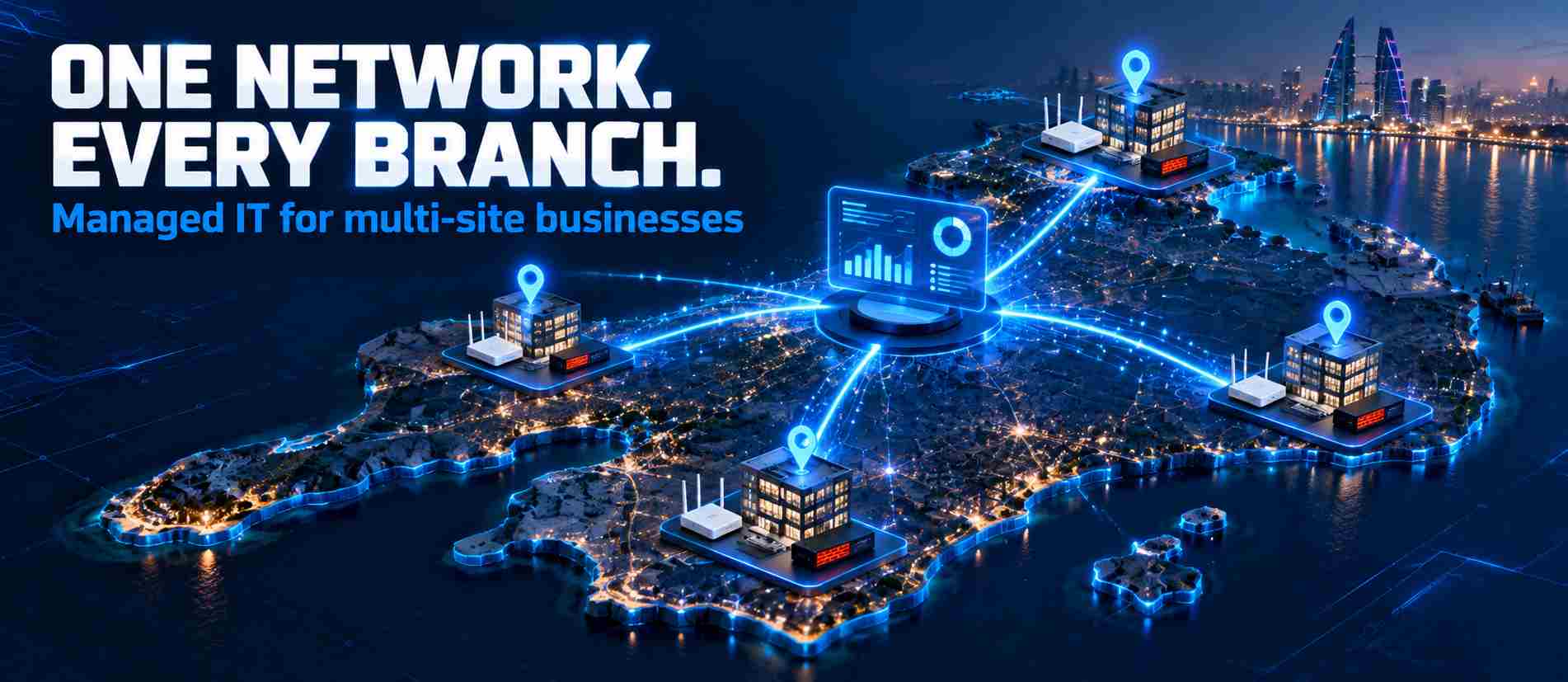
Branches multiply the number of networks, firewalls and devices to manage. Managed IT services with remote
usually fit better, because problems at a remote site can be spotted and often resolved without sending a technician. Where branches are small and simple, an AMC with on-site visits may still be enough.
Scenario 4: Company Heavily Dependent on Cloud Applications
If the business runs on Microsoft 365, cloud accounting and SaaS tools, the risk sits in accounts, permissions, license’s and security settings rather than hardware. Many traditional AMCs focus on physical equipment, so managed services that include cloud administration and identity management are typically more relevant.
Scenario 5: Business With Frequent IT Downtime
Recurring downtime means problems are fixed but not prevented. An AMC adds scheduled maintenance; managed services add monitoring and root-cause work. The right step depends on what each outage costs, and for revenue-generating systems continuous monitoring is usually easier to justify.
Scenario 6: Company Handling Sensitive Business Data

Businesses that hold client records, financial data or personal information carry regulatory and reputational risk. In Bahrain, the Personal Data Protection Law (Law No. 30 of 2018) sets obligations for organization’s that process personal data. A managed agreement that covers security management, backup verification and reporting gives clearer evidence of control than reactive support. Whatever the model, put security responsibilities in writing.
Decision Framework: Which IT Support Model Should You Choose?
Choose Break-Fix If…
- You have a small number of devices and simple, stable IT.
- IT problems are rare and short outages don’t affect revenue.
- You have in-house IT staff and only need specialist help occasionally.
- You are comfortable with variable, unplanned support costs.
Consider an AMC If…
- You want scheduled maintenance and a predictable annual cost.
- Your environment is stable and mostly on-premise hardware.
- You mainly need troubleshooting and upkeep rather than ongoing management.
- Continuous monitoring isn’t essential to your operations.
Consider Managed IT Services If…
- Downtime directly affects revenue, clients or compliance.
- You are growing, adding branches or moving more work to the cloud.
- You have no dedicated IT team and need someone accountable for IT operations.
- You need continuous monitoring, security management and regular reporting.
How to Compare IT Support Providers

Two providers can quote similar figures for very different work, so compare the actual scope rather than the monthly or annual price. Use this checklist when reviewing proposals:
| Area | What to confirm |
| Scope of work | Which users, devices, servers, sites and systems are covered, confirmed in writing |
| SLA | Committed response and resolution targets, and what happens if they are missed |
| Response time | How quickly critical, high and normal-priority issues are acknowledged |
| Support hours | Business hours, extended hours or 24/7, including weekends and public holidays |
| Remote support | How users request help, the tools used and typical resolution times |
| On-site support | Included visits, branch coverage and emergency call-out terms |
| Monitoring | What is monitored, how often, and who acts on alerts |
| Preventive maintenance | Frequency and content of scheduled maintenance |
| Cybersecurity | Endpoint protection, patching, firewall management and incident response responsibilities |
| Backup | Whether backups are monitored and test restores are performed |
| Cloud support | Whether Microsoft 365 and cloud administration are included or billed separately |
| Network support | Coverage for firewalls, switches, Wi-Fi and internet links |
| Documentation | Whether network diagrams, asset lists and credentials are documented and handed over |
| Reporting | Frequency and content of service and security reports |
| Escalation | Named contacts and a clear path for unresolved issues |
| Additional charges | Rates for out-of-scope work, parts, projects and after-hours support |
| Contract terms | Duration, renewal, notice period, exit process and data handover |
The cheapest proposal on paper often carries the widest exclusions. Ask each provider to confirm scope in writing so you are comparing equivalent services. For the security items, NIST’s free Cybersecurity Framework 2.0 Small Business Quick-Start Guide is a practical reference for what a sensible SME security baseline looks like.
IT Support Options from Nada Computers Bahrain
For companies weighing managed services vs AMC in Bahrain, the starting point is not a package. The team can review your current infrastructure, including devices, network, servers, cloud usage and security setup, and recommend the model that fits your actual requirements. For some businesses that will be a focused AMC; for others, a managed services agreement or a combination of the two.
Choosing the Right IT Support Model for Your Business
The AMC vs managed services decision, with break-fix as the third option, comes down to how much of your IT you want maintained, monitored and managed:
- Break-fix repairs problems after they happen. It suits very small, stable setups and businesses with internal IT.
- An IT AMC adds scheduled maintenance and agreed support for defined assets at a fixed annual cost.
- Managed IT services provide continuous monitoring and management of a wider IT environment against an SLA.
The right choice depends on your business size, IT complexity, risk exposure, support requirements, budget, infrastructure and growth plans. Match the model to those factors rather than to the lowest quote.
If you are reviewing your IT support arrangement in Bahrain or the wider GCC, talk to Nada Computers about your requirements. A short assessment of your current setup is often the quickest way to see which model makes sense.
Frequently Asked Questions
What is the difference between AMC and managed IT services?
The main difference in AMC vs managed services is depth of responsibility. An IT AMC is an annual contract covering scheduled maintenance and troubleshooting for a defined list of assets. Managed IT services involve ongoing monitoring and management of your IT environment, including networks, servers, endpoints, security and cloud systems, usually for a monthly fee under an SLA. Some AMCs include monitoring and some managed contracts are narrow, so always compare the written scope before deciding.
Is an IT AMC better than break-fix support?
For businesses that rely on IT every day, an AMC is usually a better fit than break-fix because it adds scheduled preventive maintenance, agreed response times and predictable annual costs. Break-fix can still make sense for very small offices with few devices, or companies with internal IT staff who only need occasional specialist help. The better option depends on how often problems occur and how much downtime costs your business.
When should a business switch from break-fix IT support?
Consider switching when IT problems keep recurring, downtime becomes regular, support costs are unpredictable, or you are paying for repeated emergency repairs. Growth is another trigger: more staff, additional branches, cloud adoption and rising cybersecurity requirements all make reactive support harder to manage. If nobody in the business owns updates, backups and security day to day, a structured AMC or managed services agreement is worth evaluating.
Are managed IT services more expensive than an AMC?
Managed IT services often carry a higher recurring fee than an AMC because they typically cover more, such as continuous monitoring, help desk, security and cloud management. The total cost gap can be smaller than it looks. An AMC with many exclusions may lead to extra charges for out-of-scope work, while a managed agreement may already include it. Compare total annual cost, scope and the likely cost of downtime, not just the headline price.
What does an IT AMC usually include?
An IT AMC commonly includes preventive maintenance, troubleshooting, remote support and scheduled health checks for covered equipment. Depending on the contract, it may also cover hardware maintenance, network devices, servers and on-site visits. There is no universal standard, so actual coverage depends on the agreement. Ask for a written list of covered assets, response times, visit frequency and exclusions such as parts, licences, new installations or after-hours work.
Which IT support model is best for a small business?
No single model is best for every small business. A small office with simple, stable IT may manage well with break-fix or a basic AMC. A small business that depends on cloud applications, handles sensitive data or cannot afford downtime may benefit more from managed IT services. The right choice depends on your number of users, IT complexity, risk exposure, budget and growth plans, so assess those before comparing quotes.